

Car Parts Coloring Activity
A delightful, safe coloring game for kids who love cars. Easy to play and saves artwork.
Robot Coloring Book for Children is a digital coloring activity designed for young learners. It offers a collection of robot-themed pages, each showing friendly robots in various settings. The game encourages children to explore colors and shapes while gaining familiarity with robotics and technology. Parents value the educational aspects and the safe, ad-free environment. The interface is simple and intuitive, allowing even preschoolers to choose pages and colors without assistance. This game supports creativity and fine motor skill development in a fun, engaging way.
Players start by selecting a robot coloring page from the main menu. A palette of colors appears on the screen. Tapping or clicking on any area of the robot fills it with the chosen color. Colors can be changed at any time during the activity. If a mistake is made, an undo button removes the last color applied. When the picture is finished, it can be saved to the device or printed for display. The game works on both touchscreens and computers, making it accessible for various devices.
Features include a variety of robot coloring pages with different themes. Controls are simple tap or click actions suitable for small hands. An undo option allows easy correction of mistakes. Save and print functions let children keep or share their finished artwork. There are no in-app purchases or external links, ensuring a safe experience. The game is designed for children ages 3 to 8.
Encourage children to try different color combinations to make each robot unique. Using the undo button freely allows experimentation without worry. Completing a page can be a rewarding activity that builds confidence and fine motor skills.
A delightful, safe coloring game for kids who love cars. Easy to play and saves artwork.
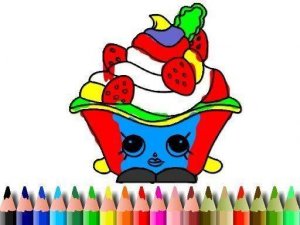
Cake Coloring Fun for Kids offers a safe, ad-free coloring experience. Perfect for preschoolers to explore creativity.
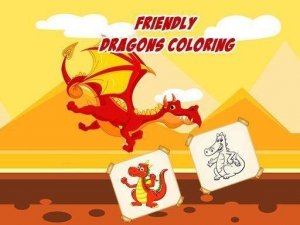
A delightful, safe coloring game for kids. Eight dragon pictures, 23 colors, and score tracking make it engaging and creative.
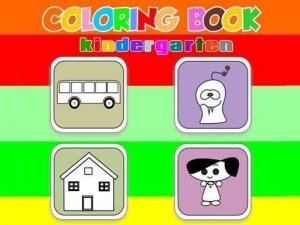
A safe and creative digital coloring game for kids with a wide color palette and easy print option.
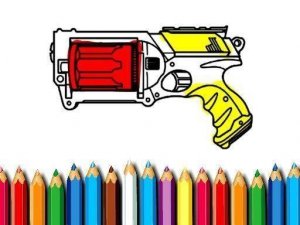
A free, relaxing coloring game for all ages with four unique designs and simple controls.

A delightful free coloring game with cheerful emojis and a print option for offline fun.